 |
| No. 20 / 28.10.26 |
 |
 |
| A note from Team Futurelab / 4-minute read |
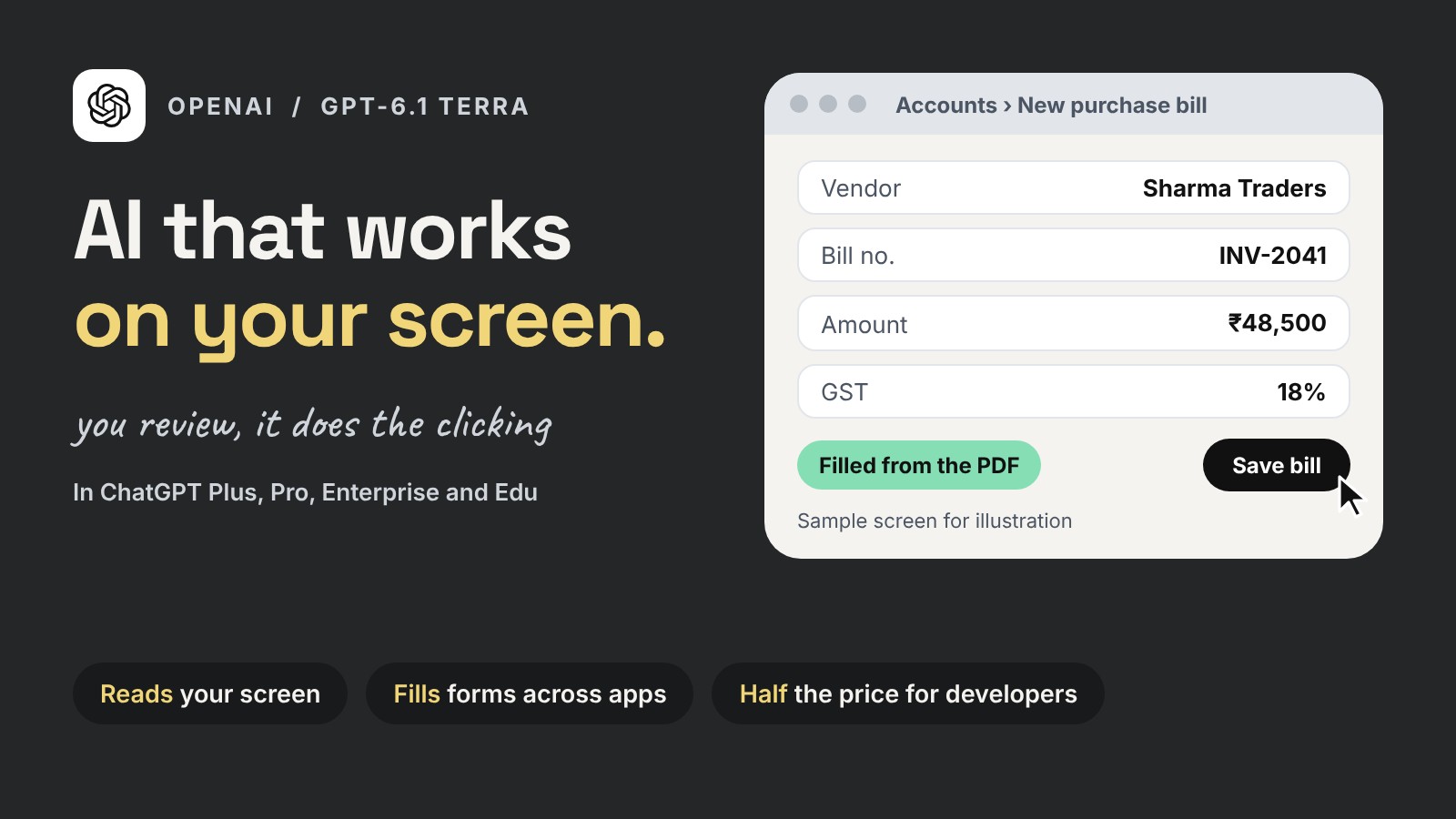 |
 Think about the dullest hour of your week. Copying bill details from a PDF into your accounts software. Filling the same vendor form again. Moving numbers from one screen to another. This week, OpenAI released a model built for exactly that kind of work. GPT-6.1 Terra is a new, faster model in ChatGPT. It can see what is on your screen and work across apps for you: clicking, typing and moving between them. |
It works on your screen OpenAI says it can fill in forms, log bills into accounting software, read technical drawings and draft proposals. |
It makes fewer mistakes On OpenAI’s own test of tricky questions, wrong answers fell from 53.6% to 16.7% at its lightest setting, compared with the older Terra model. |
It costs half to build with For companies building their own tools on it, OpenAI has cut the price to half that of the older Terra model. |
For a growing business, this means the repetitive clicking can be handed over, while the checking and the decisions stay with you. A CA firm could use it to enter bills during the GST rush. An operations team could use it to fill vendor forms from emails. These are OpenAI’s own numbers, so try it on one real task from your week before you trust it with more. Who gets it: ChatGPT Plus, Pro, Enterprise and Edu users, from 26 October. Developers can use it through OpenAI’s API. OpenAI has not announced it for the Free or Go plans. |
 |
1Bengaluru’s Maya Research releases a free voice model for 12 languages |
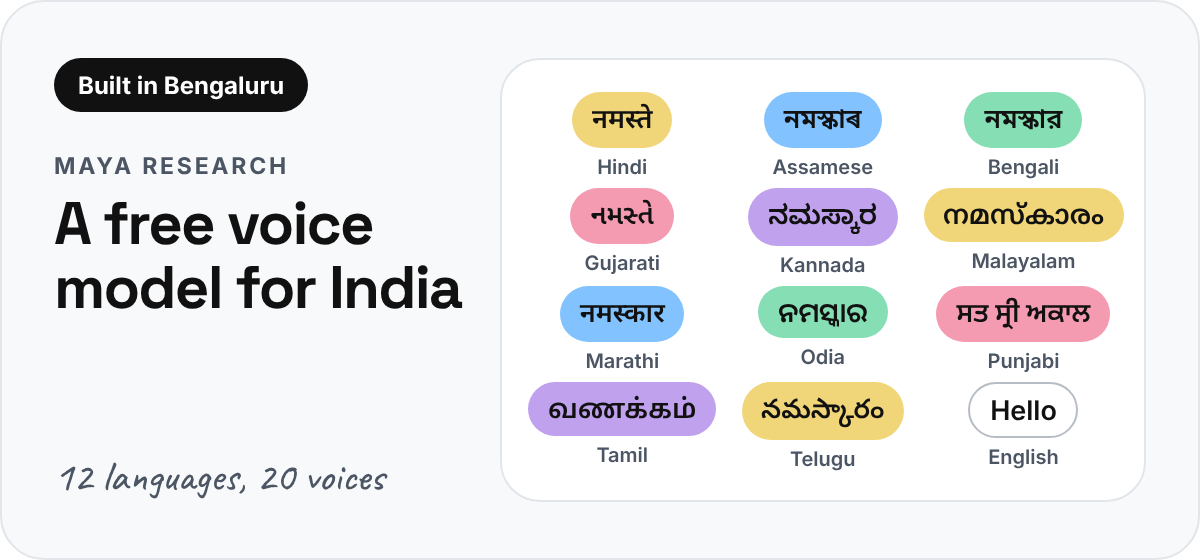 |
Maya Research has released Maya 2 Native, a voice model that speaks English and 11 Indian languages, including Assamese, Odia and Punjabi. It comes with 20 ready voices, and it can copy a voice from a clip of just 3 to 10 seconds and speak in another language. It is free to use, including for business. Maya asks people to copy only voices they own or have permission to use. Who gets it: developers and tech teams. You download it and run it on your own computer with a graphics card (12 GB or more is suggested). |
2Gemini Notebook now works inside Gemini chat |
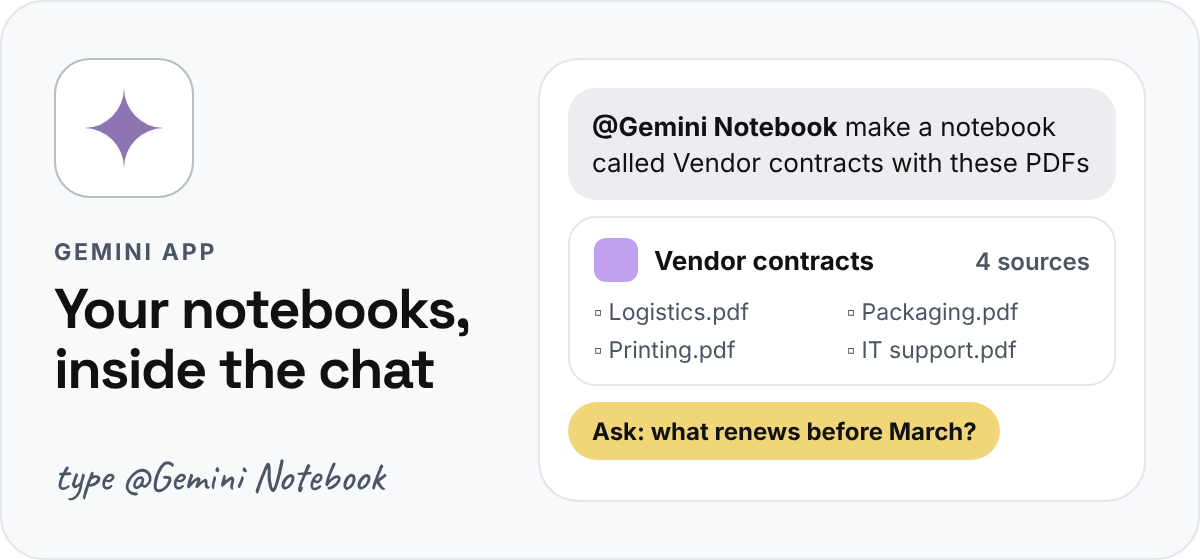 |
Since 23 October, you can manage your notebooks without leaving the Gemini chat. Type @Gemini Notebook to make a new notebook, add files and links, or ask questions that are answered from your own sources. It is handy for any work with many documents: vendor contracts, research for a pitch, or notes from a long project. Who gets it: personal Google accounts and Google Workspace users. It is switched on by default in India. |
3OpenAI asks scientists to check its AI’s biggest results |
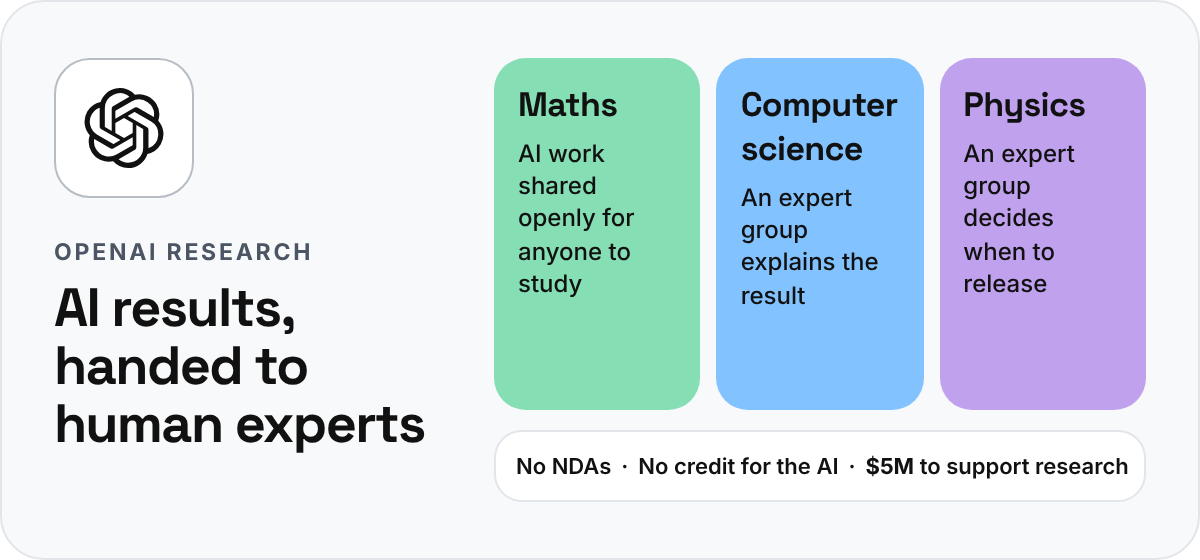 |
OpenAI says its AI models have produced new results in maths, computer science and physics. One is a claimed proof for the Yang-Mills problem, one of the seven Millennium Prize problems in mathematics. Instead of declaring them settled, OpenAI has handed the work to independent groups of researchers to check and explain. There are no NDAs, its models take no academic credit, and it is giving $5 million to the Simons Foundation for workshops and conferences. The claims still need expert checking. That is how it should work. AI does the heavy lifting, and people decide what holds up. Who should care: anyone curious about how AI and human experts will work together on hard problems. |
Until next Wednesday, |
 |
P.S. Know someone who loses hours to forms and spreadsheets? Forward them this note. |
|
| |
 |
 |
| Something to try before Friday. |
 |
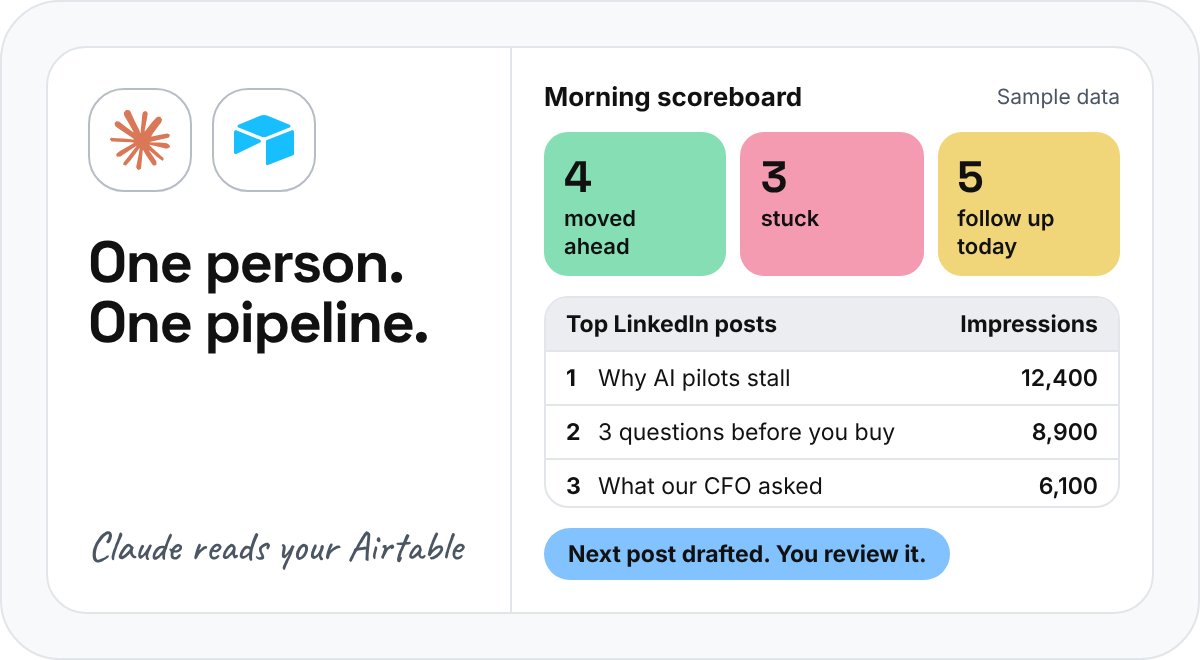
Run a one-person sales desk with Claude and Airtable. It takes about 20 minutes to set up. Connect Claude to Airtable (an online sheet that works like a simple database), and it can act as your own small sales and marketing team. Here is a simple setup to try. |
 |
1 |
In Airtable, make two tables: Prospects (name, company, stage, last contact) and LinkedIn Posts (full text, impressions, comments, who engaged, and notes on what worked). |
|
2 |
Connect Airtable to Claude. Each morning, ask Claude to read your pipeline and give you a scoreboard: what moved, what is stuck, and who needs a follow-up today. |
|
3 |
Give Claude your writing rules, like short sentences, a peer-to-peer tone and no brochure language. Let it draft messages for contacts nobody has followed up with. Read every draft and send it yourself. |
|
4 |
After each LinkedIn post, add its numbers to the table. Before you write the next one, paste the prompt below. |
|
Copy this prompt Read every post in my LinkedIn Posts table. Rank them by impressions and by engagement from my ideal customers. Tell me what the top posts have in common and what the weak ones share. Then apply [a writing framework you like] and draft one post that fixes the pattern. Follow my style rules. Flag any claim or number you can’t verify. |
|
| Tip: keep the numbers and the posts in the same table, so every post makes the next one smarter. And keep a human check on anything that goes out under your name. |
|
| |
|
AI Workflow Accelerator: Cohort 3 is open
|
 |
Registrations are open for Cohort 3 of our AI Workflow Accelerator for Professionals. Over four weeks of live sessions, you build practical AI workflows around the work you actually do, and leave with one you can use right away. |
Starts: 14 November 2026
Format: 4 weeks, live online, Saturdays, first half of the day
For: working professionals, founders, consultants, managers, analysts and creators. No coding needed. |
|
|
|
| |
 |
5,000+ professionals
Founders, business leaders and practitioners working through the AI shift together, one conversation at a time.
|
|
Sources: OpenAI, BleepingComputer, 9to5Mac, Maya Research, Analytics India Magazine, 9to5Google, OpenAI Research and The Rundown.
Futurelab Signal / Issue 20 / 28 October 2026 |
|